Roblox Clicker is a free browser clicker with a Roblox-inspired theme: you tap a coin, money comes out, and you reinvest that money in upgrades that make every future tap worth more. That’s the entire loop, and it’s exactly why the game is hard to put down. Every point threshold you cross unlocks a new enhancement, so there’s always a next purchase just out of reach. Watch for the giant coins that appear from time to time — they hand you a massive coin boost and can jump your score forward in one hit. The game runs instantly online with no downloads or accounts, which makes it an easy pick when you want quick, visible progress without spending a single second on setup first.
What Is Roblox Clicker?
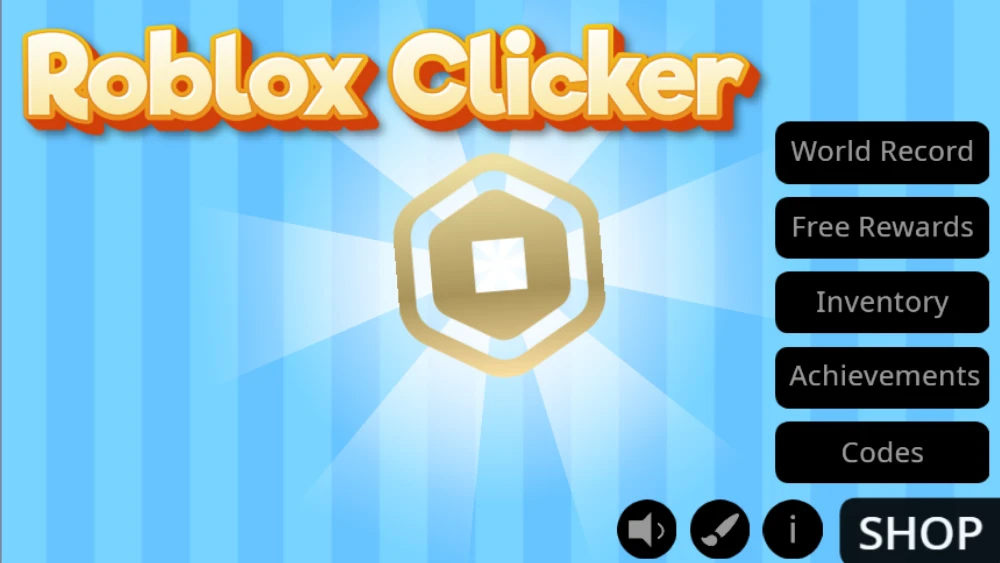
Roblox Clicker is a coin-tapping clicker built on the Scratch platform and dressed in Roblox style. It isn’t a Roblox experience itself — it’s a standalone browser game that borrows the look, centering everything on a golden coin you click for money. Because it lives on Scratch, its code is downloadable and remixable, so developers can change features, add their own ideas, and publish custom versions. That open, tinker-friendly side is rare among clicker games and part of why the game keeps evolving.
The other thing that sets it apart is personalization. Most clickers make you stare at the same screen for an hour; this one lets you restyle it. A brush icon opens a menu where you can change the coin’s appearance, pick a different background color, and swap the background music for a track you actually want on loop. None of it affects your earnings, but when the game is one coin in the middle of the screen, owning the look matters.
The game has also been updated over time. The latest version brought enhanced graphics, more interface customization options, and faster clicking mechanics, plus new power-ups and special events that make progression quicker. So if you played an earlier build and bounced off, the current one moves at a noticeably better pace.
How to Play Roblox Clicker
Controls could not be simpler: use the left mouse button (or tap on a touchscreen) to click the coin in the center of the screen. Each click earns money. Spend it on upgrades, tools, and decorations that raise your clicking speed and scoring potential, then keep clicking.
Your first steps: tap steadily until the first upgrade is affordable, buy it immediately so every following click earns more, and keep an eye out for giant coins — grabbing one early can fund several purchases at once. From there the rhythm is threshold-chasing: new enhancements unlock at specific score milestones, so there’s always a visible next target on the horizon, which is exactly what makes “one more upgrade” turn into a full session before you notice.
Take a minute to make the screen yours, too. Click the brush icon to open the personalization menu, where you can:
- Change the appearance of the center coin
- Pick a different background color
- Swap the background music for a track you actually want on loop
Controls
- Left mouse button — click the coin to earn money; click menu items to buy upgrades.
- Tap — the touchscreen equivalent on phones and tablets; the game plays the same way.
- Brush icon — opens the personalization menu for coin skin, background, and music.
Roblox Clicker Strategy Guide
Early Game
The opening minutes are raw tapping, and the goal is to escape them quickly. Reinvest early and often: upgrades compound, so the sooner you buy your first enhancements, the sooner every click is worth more, which funds the next tier faster. Don’t save up for something distant while cheap upgrades sit unbought — in the early game, almost any purchase beats an idle balance.
Giant coins are the early game’s great accelerator. When one appears, drop everything and grab it. The boost it gives dwarfs anything you’d earn from normal clicking in the same few seconds, and early on it can leapfrog you past a whole price bracket.
Mid Game
By mid game you should have automatic counters running alongside your own taps, and the real scoring trick is stacking them: automatic income and power-ups earning at the same time as your active clicking. Neither alone matches both together.
This is also where threshold awareness pays off. New upgrades unlock as you hit specific score milestones, so if nothing new is available, keep pushing — the next unlock is score-gated, not random. Check what the update content added, too: the newer power-ups and special events exist specifically to speed up progression, so use them before grinding the slow way.
Late Game
Late in a run, your upgrade stack does most of the earning and the game becomes a score chase. Keep layering automatic income under your active bursts, time your play around special events when they’re available, and treat giant coins as the spikes that push you into each new milestone bracket. There’s no prestige reset here — progression is one long climb through score thresholds, so the endgame is simply how high you can push the number and how fully you can max the upgrade list. If the pace ever feels flat this deep in, that’s usually the cue that an unbought enhancement is sitting behind the next threshold — push through the milestone and the curve picks back up.
Upgrades & Progression
Everything you can spend money on falls into a few groups:
| Purchase | What it does |
|---|---|
| Upgrades | Raise how much each click earns — the core of the compounding loop |
| Tools | Boost your clicking speed and scoring potential |
| Decorations | Round out your setup as your score climbs |
| Power-ups | Added in updates; temporary accelerators that speed up progression |
| Automatic counters | Earn on their own so income continues between taps |
Progression is gated by point thresholds: every milestone you cross unlocks a new enhancement, which keeps a next purchase permanently on the horizon. Giant coins act as the wildcard, delivering a massive one-hit boost whenever one appears. And alongside the earning systems sits the personalization menu — coin skin, background color, and music — which doesn’t change your income but makes the long sessions feel like your own setup rather than a default screen.
When you’re choosing between options, the standard clicker rule of thumb holds: prefer whatever repays its own cost fastest at your current earning rate. Early on that’s almost always the cheapest unbought upgrade, because each one multiplies every tap that follows. Later, automatic counters pull ahead — they earn whether or not you’re tapping, so their payback clock never stops running. Decorations sit at the bottom of the priority list until the earning purchases are handled, which is exactly what makes them satisfying to finally buy: they’re proof the engine is done carrying you.
Features
- Simple one-button gameplay that’s easy to start and genuinely hard to max out
- Upgrades, tools, and decorations that boost clicking speed and score
- Giant bonus coins for sudden progress spikes
- Score-threshold unlocks that always keep a next purchase in sight
- Full interface customization: coin skin, background color, and music
- Roblox-inspired theme built on the Scratch platform, with downloadable code you can remix
- Updated builds with enhanced graphics, power-ups, and special events
- Free to play in the browser, no downloads or installs
Tips & Tricks
- Reinvest early and often. Upgrades compound. The sooner you buy your first enhancements, the sooner every click is worth more, which funds the next tier faster.
- Never ignore a giant coin. When one appears, grab it. The boost dwarfs anything you’d earn from normal clicking in the same few seconds.
- Combine automatic counters with active clicking. The real scoring trick is stacking automatic income and power-ups on top of your own taps, so both are earning at once.
- Watch the point thresholds. New upgrades unlock at specific score milestones. If nothing new is available, keep pushing — the next unlock is score-gated, not random.
- Use the update content. Newer versions added extra power-ups and special events that speed up progression, so check what’s available before grinding the slow way.
- Set up your screen before a long session. Pick a coin skin, background, and music you can live with — you’ll click more consistently when the screen isn’t annoying you.
- Click in a rhythm you can hold. Sustainable tapping beats short frantic bursts over any session longer than a minute or two.
Games Like Roblox Clicker
- Blox Fruits — another Roblox-flavored pick, ideal if the theme is what drew you in.
- Minecraft Clicker — the same idea filtered through gaming’s other giant sandbox universe.
- Cookie Clicker — the genre classic; the tap-and-upgrade loop here descends directly from it.
- Capybara Clicker — the same rhythm with a far more chill mascot at the center.
More in this vein lives in the hot clicker games collection.
FAQ
How can I play Roblox Clicker unblocked for free?
Play it right here on clickergames.io. The game loads in your browser with no downloads and no restrictions, so it works at school or on other filtered networks.
Is Roblox Clicker free?
Yes, completely. There’s nothing to buy and nothing to install — open the page and start clicking. It’s a simple game where you tap to collect points, level up, and upgrade your character, which makes it an easy pick for quick online sessions.
Is this an actual Roblox game?
No — it’s a Roblox-inspired browser game built on the Scratch platform. You don’t need a Roblox account, and it runs entirely in your browser. That’s part of the appeal: you get the familiar look and the coin-collecting feel without installing anything or signing in anywhere.
Are autoclickers legal in Roblox?
Roblox itself doesn’t ban players simply for using an autoclicker. However, individual games on the platform can have their own rules against them and may ban players who get caught, so check each game’s rules before using one.
Can I modify Roblox Clicker?
Yes. Because the game is built on Scratch, its code is downloadable, and developers can remix it — changing features, adding their own ideas, and publishing custom versions.
Does my progress save?
Like most browser clickers, progress saves in your browser on this device, so play in the same browser to continue a run. If a run does reset, the faster clicking mechanics in the current build make catching up quick.